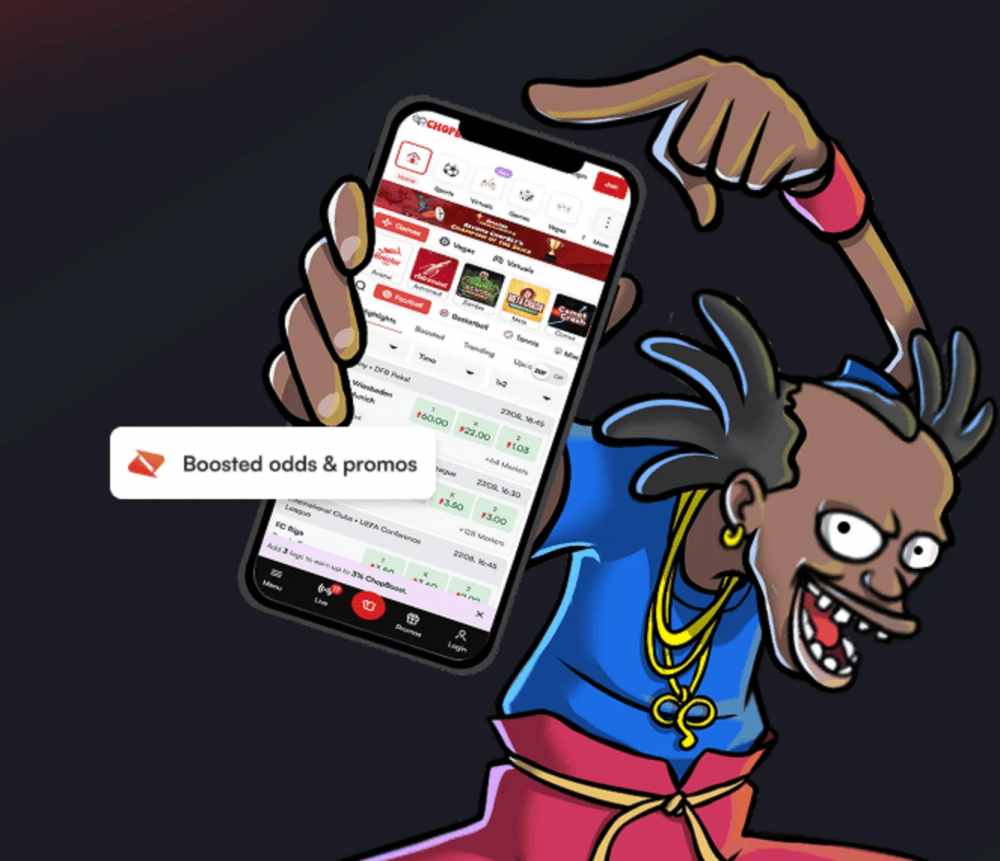
For most Ugandan players, the phone is not a secondary way to access an online casino — it is the only way. And the difference between playing through a mobile browser and playing through a dedicated app is the difference between something that works and something that works well. The Chop Win site is fully functional on mobile browsers, but the app takes that experience and makes it faster, cleaner, and more convenient for players who use the platform regularly.
This guide covers everything you need to know: why an app matters, how to download and install it step by step, what to check before and after installation, and how to set yourself up properly once it is on your phone.
Why an app instead of the browser?
Both routes get you to the same platform — the same games, the same cashier, the same account. The app wins on convenience and performance. It sits on your home screen — one tap and you are in the lobby. No URL to remember, no bookmark to find, no browser tabs competing for your attention. Apps cache core assets locally on your device, which means faster load times and smoother navigation, particularly on mobile data connections that fluctuate throughout the day.
For crash games like Aviator, where a fraction of a second matters when you are trying to cash out at a climbing multiplier, the performance advantage of an app over a browser is not theoretical. It is the difference between hitting the button in time and watching the plane fly away while the page catches up.
Push notifications are another practical benefit. The app can alert you to new promotions, tournament openings, or withdrawal confirmations without you needing to open the platform and check manually. For players who use ChopWin multiple times a week, the cumulative convenience adds up.
Before you download: what to check
Before you install any casino app — ChopWin or otherwise — verify two things. First, confirm that the platform is licensed. A valid gaming license means the operator is regulated, its games are certified, and player funds are protected. The app is just a delivery mechanism for the same platform — if the platform is not licensed, the app does not make it safer.
Second, make sure you are downloading from the official source. Casino apps for African markets are typically distributed as direct downloads from the operator’s website rather than through the Google Play Store or Apple App Store, due to those stores’ policies on real-money gambling applications in certain regions. This is normal and safe — when the source is the casino’s verified domain. Never download a casino app from a third-party APK site, a link shared in a random group chat, or any URL that does not match the operator’s known domain.
Step-by-step: downloading and installing on Android
Android is the dominant smartphone platform across Uganda, so this is the process most players will follow. It takes under two minutes.
Open your phone’s browser — Chrome works best — and navigate to the official ChopWin website. Look for the download section, typically labelled “App” or “Download” and accessible from the main menu or a banner on the homepage. For ChopWin Uganda specifically, app ChopWin is available directly from the platform’s download page.
Tap the download button. Your phone will download an APK file — the standard Android installation package. A notification may appear saying you are installing from an unknown source. This is Android’s default security prompt for any app not installed through Google Play. It is not a warning about this specific app — it appears for every direct-download APK.
Go to your phone’s settings and enable installation from unknown sources for your browser. The exact path varies by Android version — on most devices it is found under Settings, then Security or Apps. Some newer Android versions request this permission on a per-app basis rather than globally.
Open the downloaded APK file and tap Install. The app installs in a few seconds and appears on your home screen. You can disable the unknown sources permission again after installation if you prefer — the app will continue to function normally.
If you have never gone through this process before and want to understand what it means to download a casino app as a direct APK rather than through an app store, the process is identical to how many popular apps in Africa are distributed outside of Google Play — including certain banking apps and regional services.
Setting up the app after installation
Once installed, open the app and either log in with your existing ChopWin account or register a new one. If you are registering fresh, complete identity verification as early as possible — upload your ID before your first deposit so there are no delays when you want to withdraw winnings later.
Navigate to your account settings and set up deposit limits before your first session. This is a habit worth building from day one — not a tool to reach for after something has already gone wrong. Set a daily or weekly deposit cap that matches your entertainment budget and let the platform enforce it automatically.
Explore the game lobby in the app. The layout is optimised for touch navigation — game categories are clearly labelled, popular titles like Aviator are featured prominently, and the search function lets you find specific games quickly. Try demo mode on any title you have not played before. The demo runs identically to the real money version and costs nothing.
Check the cashier section and confirm your mobile money provider — MTN Mobile Money or Airtel Money — is listed and working. Make a small test deposit to confirm the flow works smoothly before committing your full session budget.
Keeping the app updated
Casino apps receive periodic updates that improve performance, add new games, fix bugs, and maintain security. Since ChopWin’s app is distributed as a direct download rather than through an app store, updates may not install automatically. Check the download page periodically for new versions, or look for in-app notifications prompting you to update. Running the latest version ensures you have the best performance and the most current game library.
Staying informed beyond the app
The app puts ChopWin’s full casino experience on your home screen, but staying informed about the broader online gaming landscape — trends, new game releases, responsible gaming developments, and industry news — helps you make better decisions as a player. You can find out more about the gaming world beyond any single platform and keep your perspective wide even as your go-to app makes access to one platform effortlessly convenient.
The bottom line
Downloading the ChopWin app is a two-minute process that improves every session that follows. Faster load times, smoother game performance, one-tap access from your home screen, and push notifications for promotions and withdrawal confirmations — the app takes an already mobile-optimised platform and makes it more convenient for regular players. Download only from the official source, enable the Android permission temporarily, install, set up your deposit limits, and verify your account before your first deposit. The setup takes less time than a single Aviator round. The convenience lasts as long as you play.